


Free DMARC Record Generator
Create a secure DMARC record to protect your domain from spoofing and phishing.
Let's get started!
Please provide the domain for which you'd like to generate a DMARC record
Warmy’s free DMARC record generator gives you a ready-to-paste value in four simple steps, plus instructions for publishing and checking it — no signup required.
What Is a DMARC Record?
A DMARC record is a text entry in your domain’s DNS settings at _dmarc.yourdomain.com that helps email providers check the domain in your From address using SPF or DKIM. It also tells them how to handle emails that fail and lets you request reports on the results.
A DMARC TXT record has three parts: the type, the host, and the value. The value sets the version, the policy, and where reports go.
DMARC record example:
- Type
TXT- Host
_dmarc- Value
v=DMARC1; p=none; rua=mailto:reports@example.com
The policy (p) can take one of three values:
- none
- Monitor only.
- quarantine
- Request spam-folder placement.
- reject
- Request rejection.
A message passes DMARC when SPF or DKIM is verified, and that domain matches the visible From domain. For example, a valid DKIM signature for example.com passes DMARC for mail sent from you@example.com. Our SPF generator helps authorize senders.
Gmail and Yahoo have required DMARC for bulk senders (5,000 messages a day) since February 2024. Outlook.com introduced high-volume requirements in May 2025. Gmail also increased rejections in November 2025.
What Is a DMARC Generator?
A DMARC generator is a tool that converts your policy and reporting address into a DNS value without you having to write syntax manually. It’s useful for first-time setup or new outreach and agency domains.
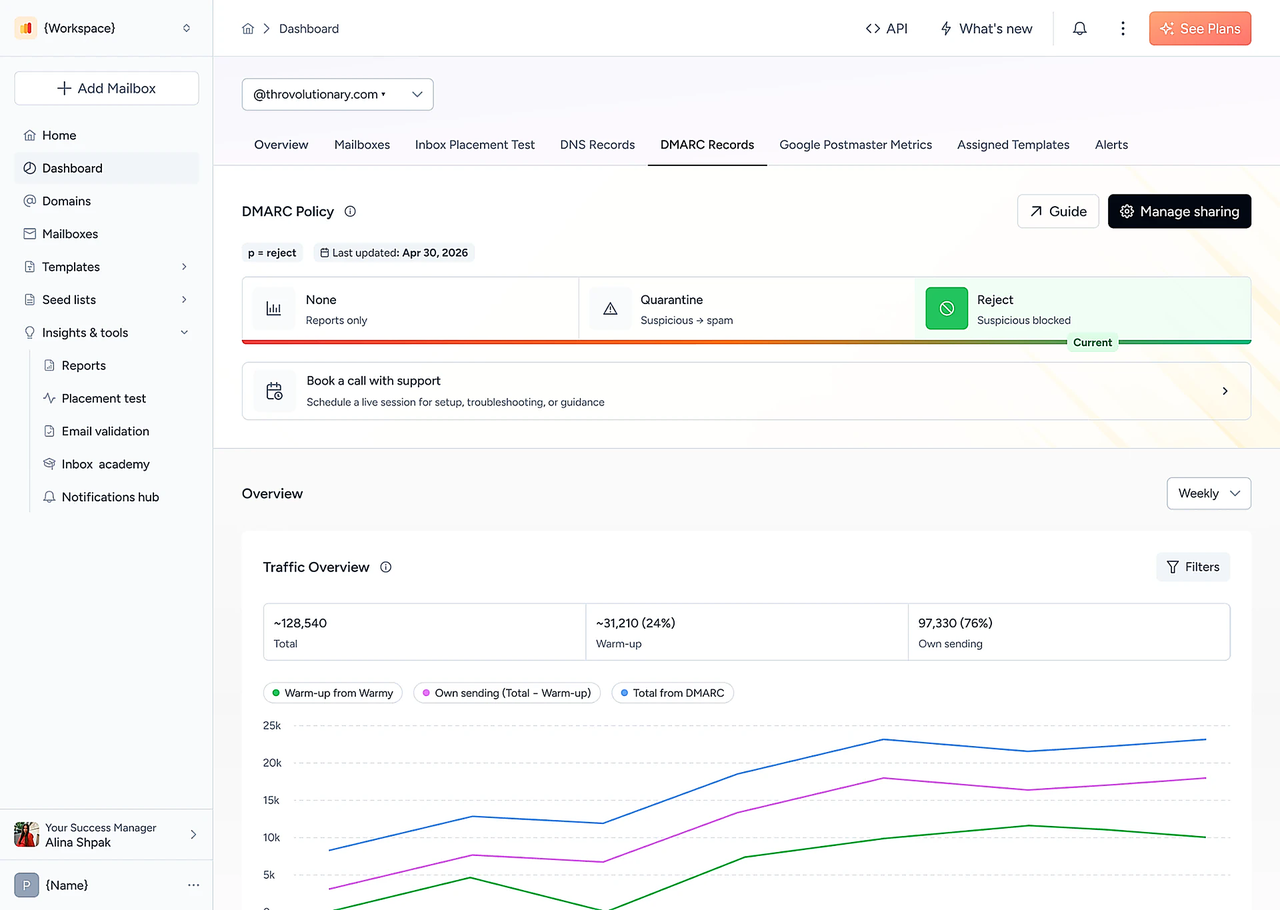
How to Generate a DMARC Record in 4 Steps
- Enter your domain
- Type example.com, without @ or www. Create a separate record for each domain you send emails from.
- Choose your provider
- Select the service you use to send emails. The record is the same for every provider, but DMARC passes only if that service’s SPF or DKIM aligns with your domain. For Google Workspace or Microsoft 365, turn on DKIM for your domain in the admin settings.
- Choose a policy and reporting address
- Start with
p=noneto collect reports without changing how providers handle your mail. Enter an email address you check regularly. Reports arrive as XML files. If the address uses another domain, that domain needs an authorization record, or reports may not arrive.
- Copy and publish the record
- This is the text that goes in the Value field of your DNS record.
What Your Generated Record Means
Example output for a monitoring policy:
v=DMARC1; p=none; pct=100; rua=mailto:reports@example.com; sp=noneYou choose the policy (p) and reporting address (rua). The DMARC record generator adds v=DMARC1 to identify the DMARC version and sets the subdomain policy (sp) to match your chosen policy. The pct=100 tag is retired and equals the default, so delete it before you publish; this won’t affect your policy.
See all DMARC tags below.
How to Publish Your DMARC Record in DNS
Enter Type, Host, and Value in separate DNS fields.
Log in to the service that manages your DNS (your domain registrar or Cloudflare).
Edit any existing
_dmarcpolicy instead of adding another. Two records break DMARC. If you don’t have one, add a new TXT record.Set Type: TXT, Host/Name:
_dmarc, and Value: your generated text withoutpct=100.Keep the default TTL and save. Results appear within a few minutes to 48 hours.
If your DNS panel appends the domain, enter only _dmarc.
How to Check Your DMARC Record
Use a DMARC record checker or query DNS:
Substitute your domain.
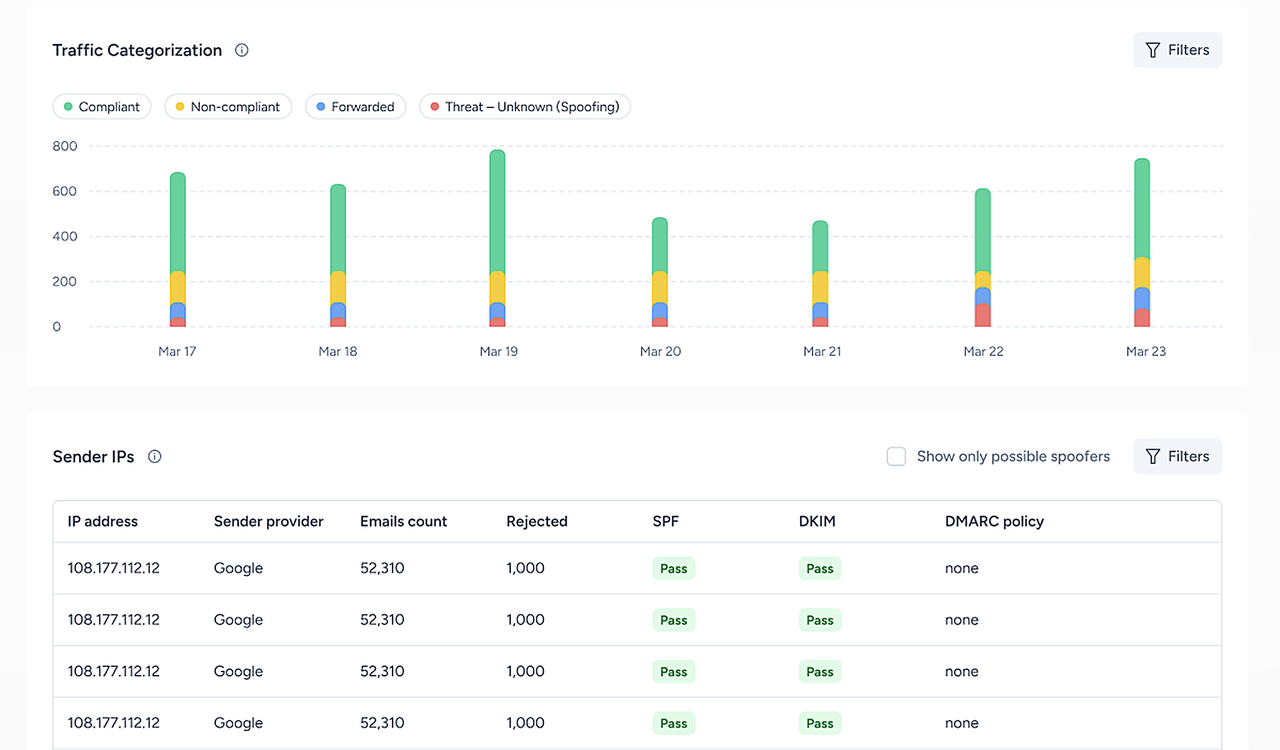
To verify DMARC record publication, confirm that exactly one TXT entry starts with v=DMARC1.
Use each of your sending services to send a test email to a Gmail account. Then, in every email that you receive, select Show original from the three-dot menu and look for DMARC: PASS. Use our free email header analyzer to review authentication results, or run a free email deliverability test to check inbox and spam placement.
If the Check Fails
- No record found
- Check the DNS host and allow time for caching.
- Multiple policies
- Merge them into one and delete the rest.
- Syntax error
- Check separators, accidental quotation marks, and
v=DMARC1placement. - SPF passes, DMARC fails
- Check alignment. Enable DKIM signing with your domain if your provider uses its own return address.
DMARC Is Set. Let Adeline Check the Rest
For DMARC to pass, your SPF or DKIM needs to be aligned for every platform sending as your domain. Authentication may fail when even one sender is misconfigured, and a DNS check won’t show which one or why.
Adeline, Warmy’s AI email deliverability agent, can help diagnose the problem by connecting with platforms like SendGrid or Mailgun and determining the cause of the issue. Trained on billions of deliverability data points, Adeline can help you find fixes as you work with her in the chat.
What to Do Next: From p=none to p=reject
Monitor for 2–4 weeks
Identify all senders. Allow longer for infrequent campaigns.
Example value:
v=DMARC1; p=none; rua=mailto:reports@example.com
Fix failures
Configure DKIM and alignment for legitimate senders.

Move to quarantine
Regenerate and replace your existing value.
Example value:
v=DMARC1; p=quarantine; rua=mailto:reports@example.com; sp=quarantine
Consider reject
Confirm consistent passes first. Subdomains inherit the policy unless you set sp or np tags.
Example value:
v=DMARC1; p=reject; rua=mailto:reports@example.com
Reading raw XML reports across several domains is slow. Warmy’s DMARC monitoring turns them into a dashboard showing passing and failing senders. Once you’re at reject, you can also set up BIMI, which requires DMARC at enforcement. Try our BIMI Generator.
DMARC Tags Explained
| Tag | What it does | Values and default | When to change it |
|---|---|---|---|
| v | Version | DMARC1; required, first | Never |
| p | Domain policy | none/quarantine/reject; default: none | As you move toward enforcement |
| sp | Existing subdomains | Same policies; inherits p | When subdomains need a different policy |
| np | Nonexistent subdomains | Same policies; inherits sp, then p | Only to be stricter than p, after every sending subdomain has DNS records |
| rua | Aggregate reports | mailto:; unset | Always set one |
| ruf | Failure reports | mailto:; unset | Optional diagnostics |
| fo | Failure-report triggers | 0 default; 1/d/s | With ruf |
| adkim | DKIM alignment | r default; s | Strict only if every sender signs with your exact domain |
| aspf | SPF alignment | r default; s | Same as adkim |
| t | Lower-policy testing | n default; y | Supported tests |
| psd | Public-suffix status | u default; y/n | Registry setups |
Relaxed (r) permits the same main domain and its subdomains; strict (s) requires identical domains. np covers nonexistent DNS names (NXDOMAIN). With t=y, reject becomes quarantine, and quarantine becomes none. Older receivers may ignore new tags.
You can manually add tags the generator doesn’t produce. Remove pct, rf, and ri; they were retired in RFC 9989. For more, see our DMARCbis guide. Some receivers don’t send ruf reports.
FAQ
25-Second Setup
Vs Weeks Of Frustration
No Credit Card Required | Cancel Anytime