


Auto-generated personalized warm-up messages
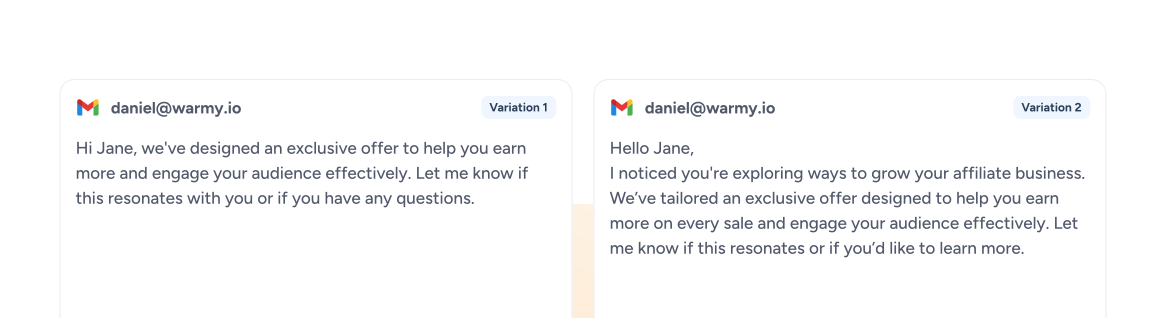
No two mailboxes get the same script. We write separate conversations for each one and change the wording as we go, the way normal email changes from one message to the next.

Warmy's email warm-up tool helps prepare a new mailbox for outreach. It sends emails to real inboxes in our network, where they get replies. If an email lands in spam, the receiving mailbox moves it back to the inbox. Over time, this helps build sending history and sender reputation, so your mailbox is better prepared for real campaigns. Track your inbox placement progress right from your dashboard.
No Credit Card Required | Cancel Anytime
To warm up an email address by hand, you'd send a few emails a day, ask colleagues to reply, and add a little more volume each week. For about a month. Warmy runs the whole email warm-up process for you. You connect the mailbox and pick your topics. We handle the rest.
You can connect a mailbox on Gmail, Google Workspace, Outlook or Microsoft 365, or one that sends through SendGrid, Mailgun or Brevo. If your provider gives you SMTP access, it will connect too.
Before sending anything, Adeline (our AI) checks the mailbox's age, its past sending and its current reputation. Those three things decide where volume starts and how quickly it climbs. You choose the topics and languages.
Your mailbox trades emails with real mailboxes in the Warmy network. Every email gets opened. About 30% get a reply. Anything that lands in spam is moved to the inbox, and the volume goes up a little each day.
Watch three numbers on the dashboard: mailbox temperature (how many emails go out today), inbox placement and Health Score. When placement is at 85-90% or higher, you can launch. Leave warm-up on after that. It keeps the reputation you built.
A worldwide email network
mailboxes in the network
From some of the biggest email providers in the world.
 GmailGlobal
 Google WorkspaceGlobal
 OutlookGlobal
 Microsoft 365Global
 Yahoo MailGlobal
 iCloud MailGlobal
 WEB.DEGermany
 GMXGermany
 Seznam EmailCzechia
 QQ MailChina
 Naver MailSouth Korea
 UOL MailBrazil
Warmy is an email warmup service that writes the emails too. We draft and send every warm-up message and set the daily volume for each mailbox. Your team doesn't touch any of it.
No two mailboxes get the same script. We write separate conversations for each one and change the wording as we go, the way normal email changes from one message to the next.
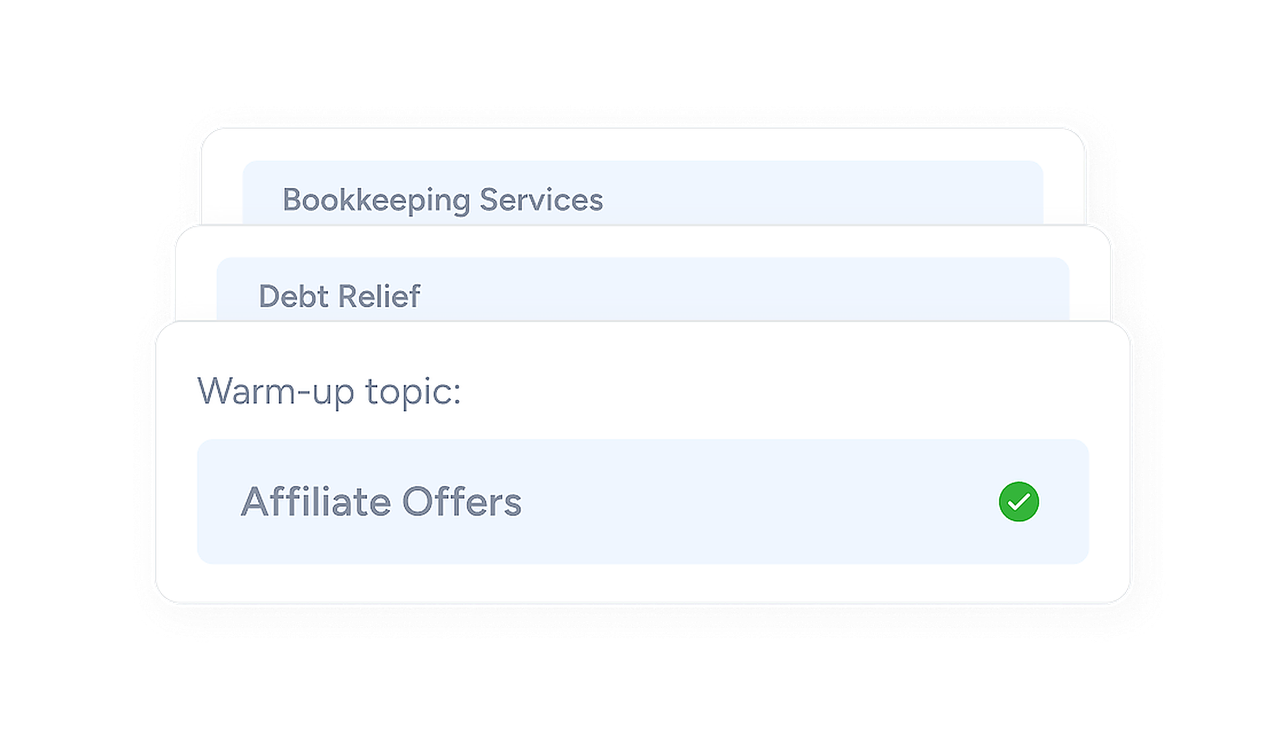
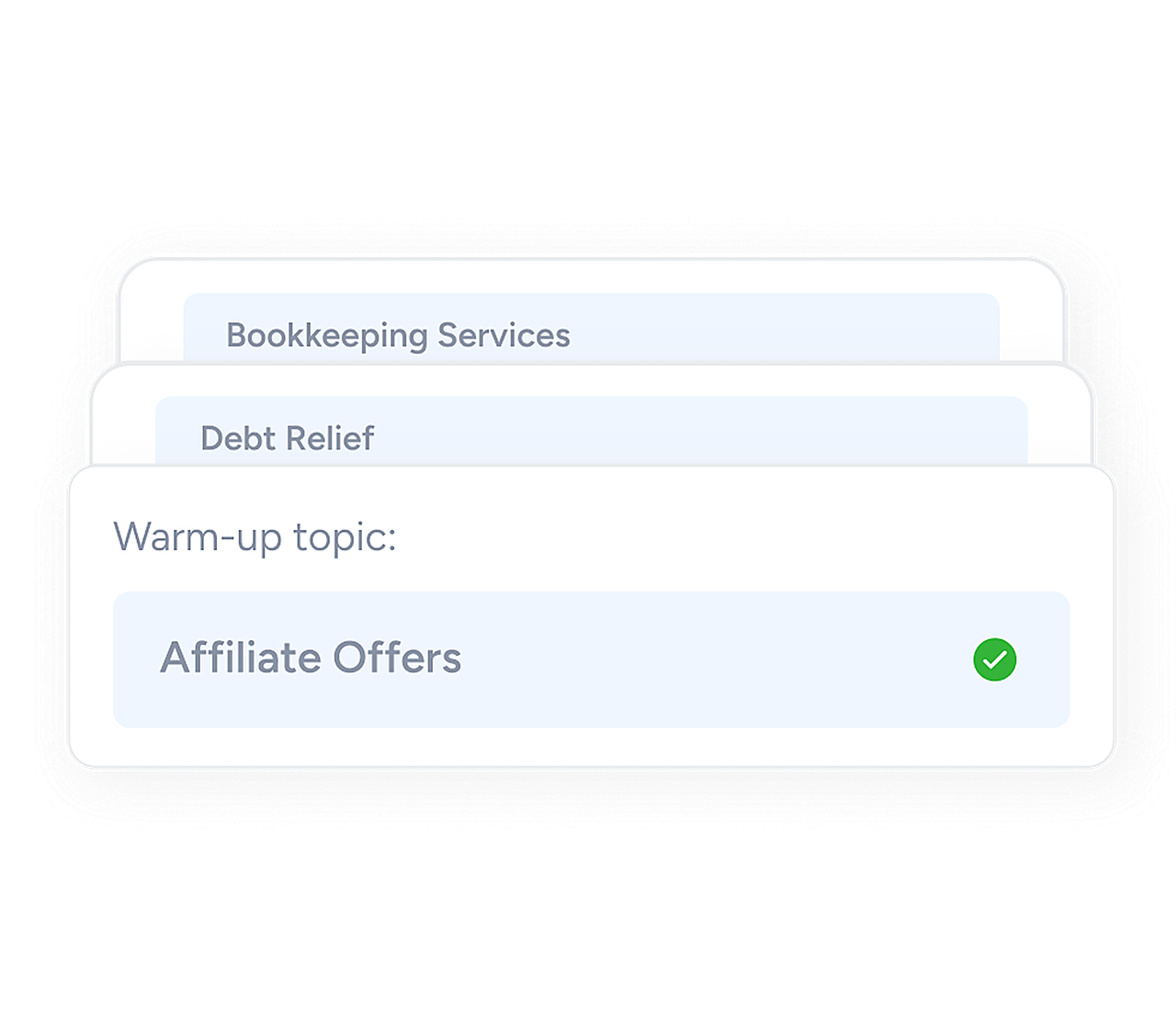
Topics should match what you sell. A property firm might choose real estate, a SaaS company software, a staffing agency recruiting. The emails come out in whatever language your campaigns use.
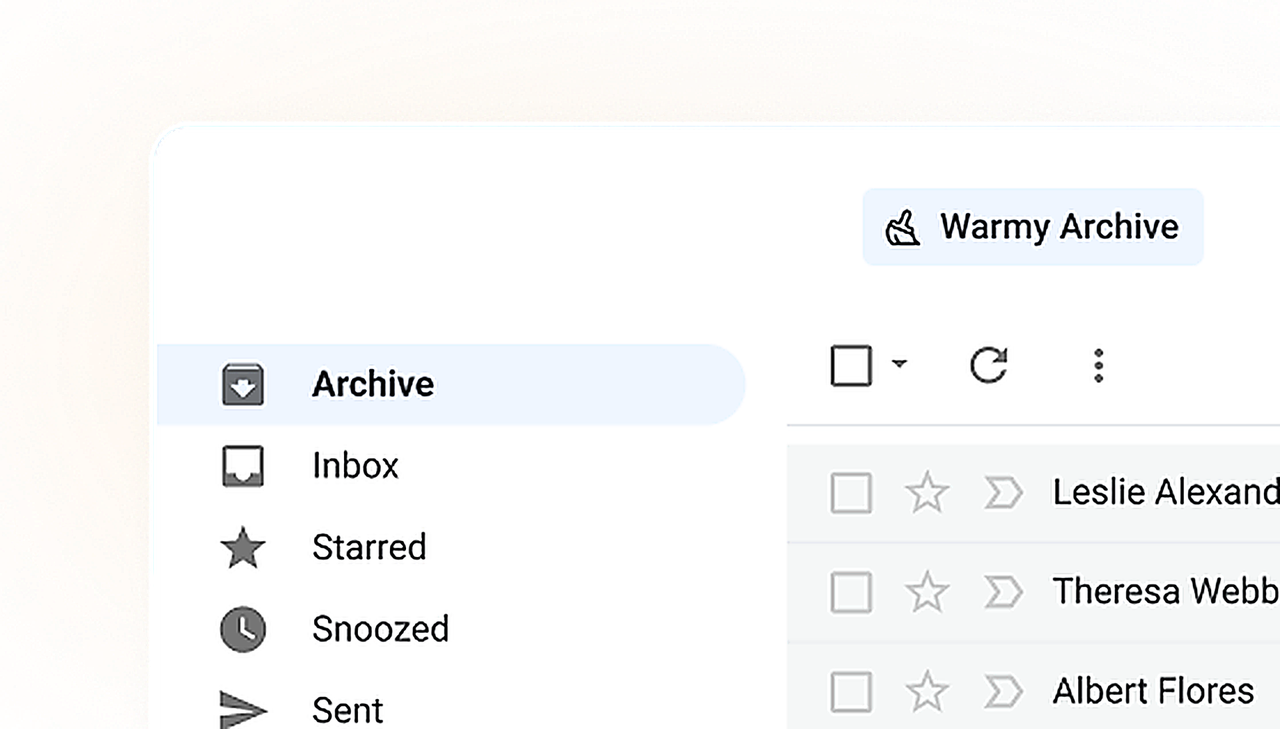
Your team won't see warm-up emails piling up. Warmy archives each one within 20 minutes.
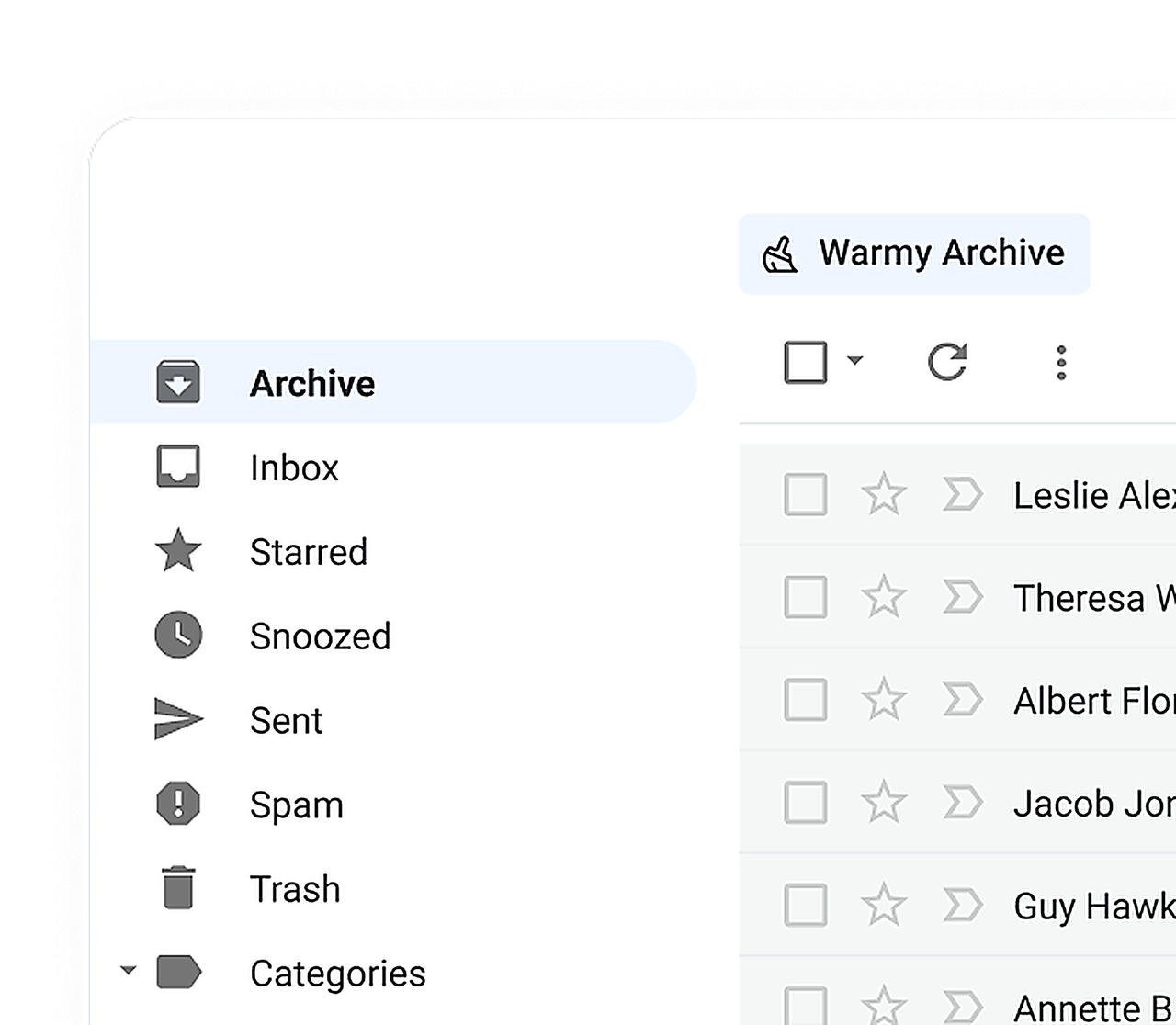
Already have outreach templates? Upload them and we'll send them as warm-up emails. Your real copy starts earning engagement weeks before launch.
Why does reputation matter so much? Because Gmail and Outlook use your sender reputation to decide, email by email, whether you get the inbox or the spam folder. And reputation comes down to two questions. Do you send at a steady pace? Do people engage with what you send? Email warming works on both for each of your domains, before the first real campaign goes out.
Adeline sets each mailbox's daily volume and adjusts it to what providers are signaling. Better placement means more volume.
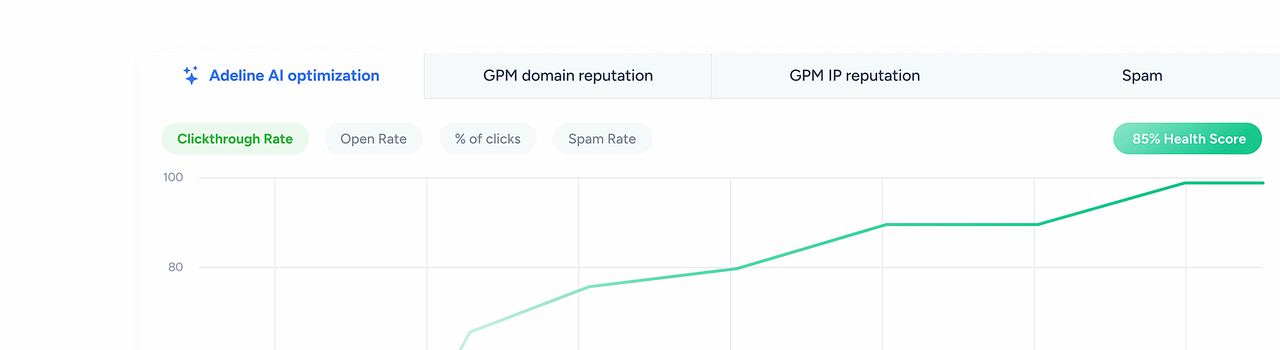
Warmy keeps watch over daily limits, sudden spikes and spam placement on every mailbox. You get an alert when a mailbox shows a problem, plus the change we'd recommend.
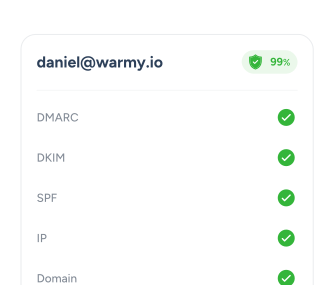
Opened. Replied to. Marked as important. Pulled out of spam when it lands there. Providers read every one of those as a sign that people want your email.


Every mailbox in our network is real and active. They're spread across the big providers (Gmail, Google Workspace, Outlook, Microsoft 365) and others. You decide the mix, too. Selling mostly to enterprise companies? Lean it toward Outlook.
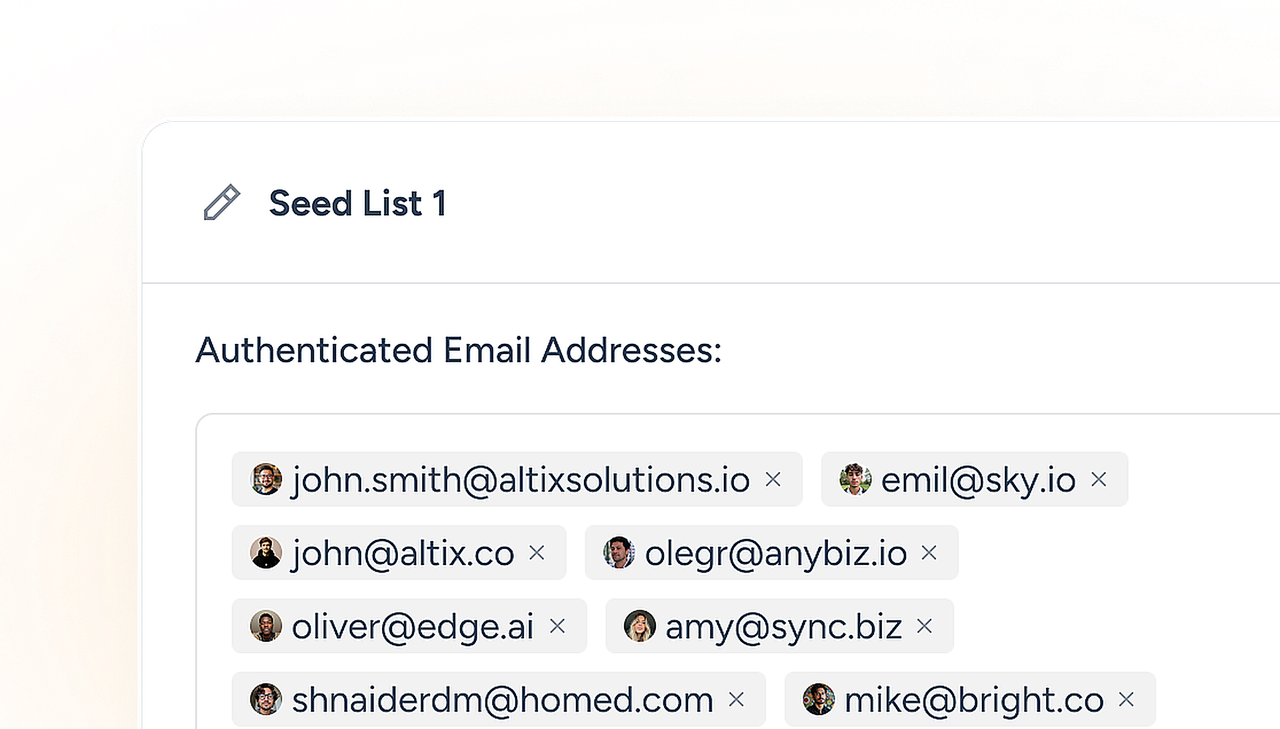
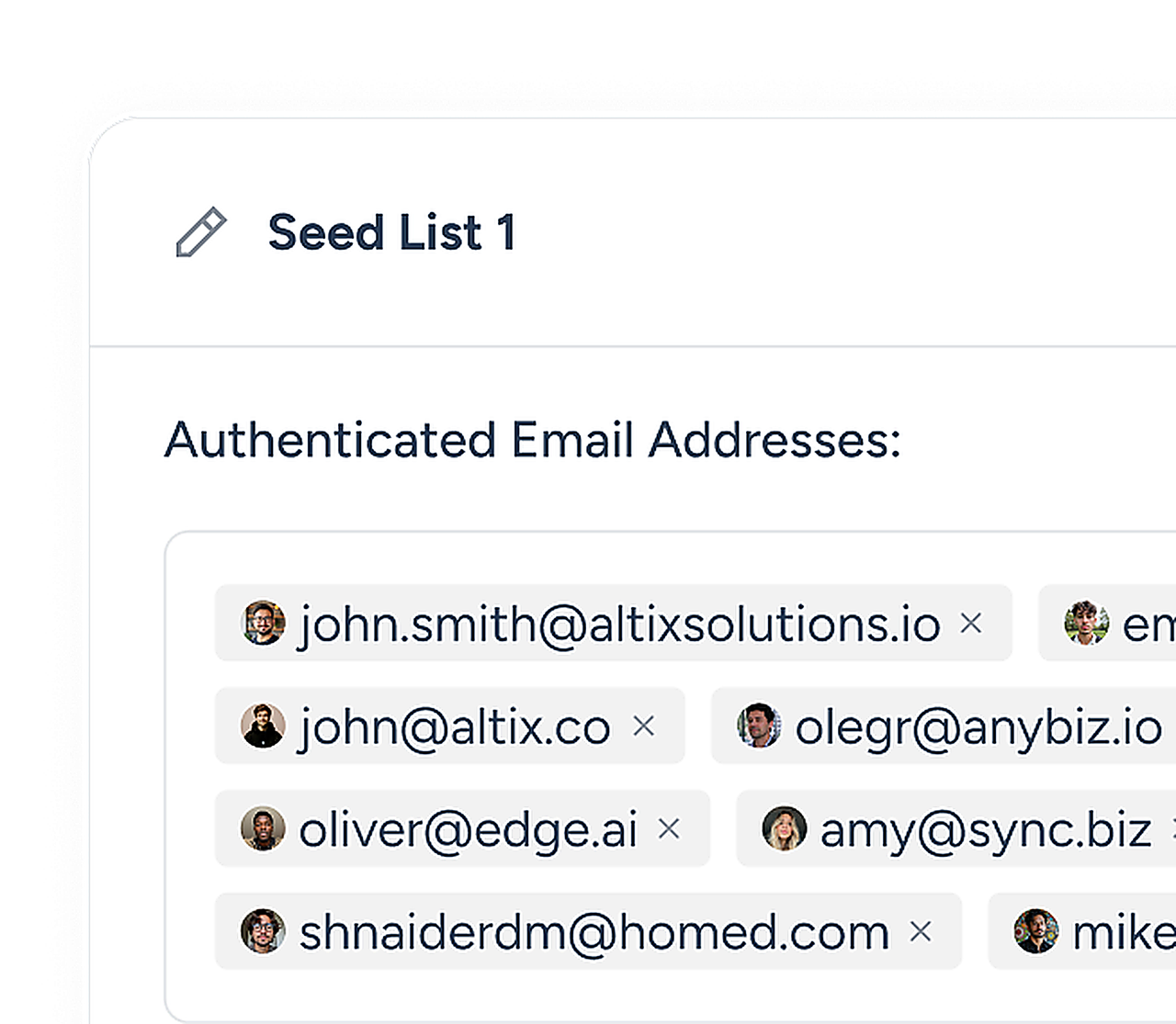
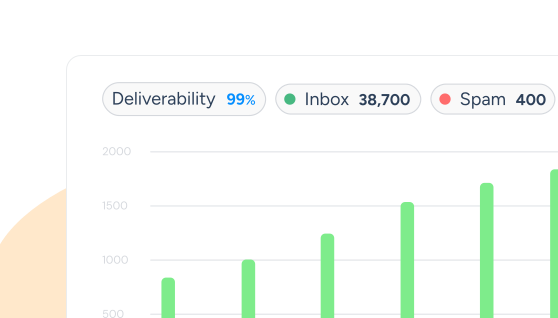
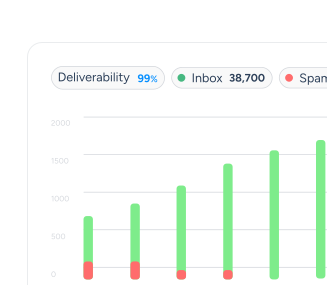
Open a mailbox to see its temperature, inbox placement by provider, Health Score and spam rate. If any of them shifts, Warmy lets you know. And when the mailbox is ready for campaigns, its status says so.
Gmail, Google Workspace, Outlook and Microsoft 365 all work. So do Zoho, Amazon SES, Brevo, SendGrid and Mailgun. Plus any provider with SMTP access (IMAP is optional).
Sales teams, agencies and marketers all over the world warm up their mailboxes, domains and IPs with Warmy.

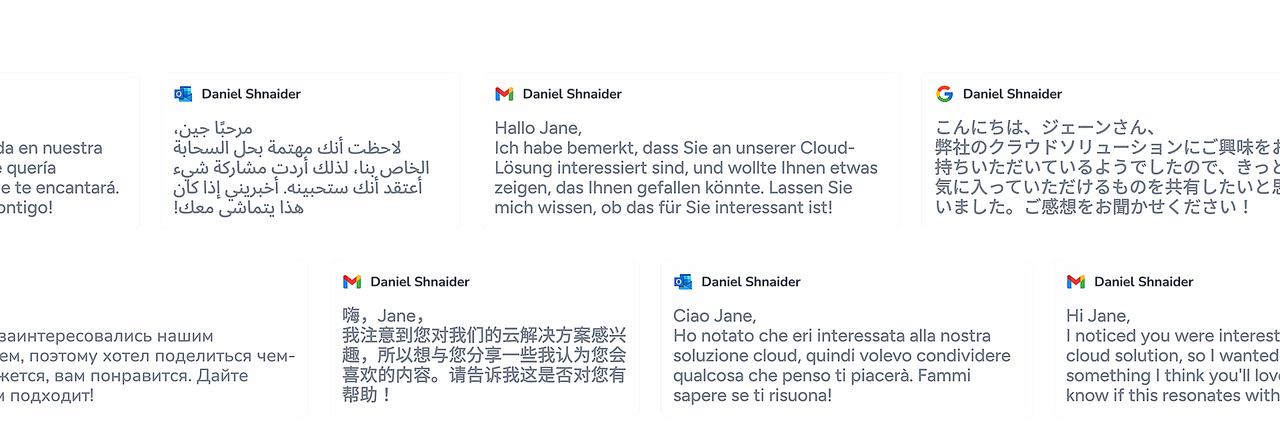
Writing to prospects in Germany? Then your mailbox needs a history in German. That's why Warmy runs email warm-up in more than 30 languages.

Customers include: Quicklizard · Motion · Awesomic · Benchmark International · UserWay · Selling.com
Warm up a mailbox any time it's about to send more than its history can support, or when its reputation has taken a hit. The usual cases:
Warm-up is slow on purpose. Volume rises step by step, while network mailboxes open, reply and rescue your emails from spam. What each signal does:
Gradual volume
Opens and replies
Marked as important
Moved out of spam
Clicks
Topic and language
Give a new mailbox two to four weeks before real campaigns. The time it takes to warm up an email domain depends on how old it is, how it's been used and how much you want to send.
| Situation | Typical warm-up time | What to do |
|---|---|---|
| New domain, new mailbox | About 3 to 4 weeks | Set up SPF, DKIM and DMARC first, start at low volume, and hold campaigns until the mailbox is ready |
| New mailbox on an established domain | About 2 to 3 weeks | The domain helps, but the mailbox still needs its own history |
| Dormant mailbox | About 1 to 3 weeks | Turn warm-up back on before the first campaign |
| Moving to a new domain or provider | Same as a new mailbox, about 2 to 4 weeks | Verify your list, set up authentication, then warm up |
| Existing mailbox that lands in spam | Several weeks, depending on the cause | Fix authentication and list quality first, then warm up to recover |
| Planned volume increase | Start 1 to 2 weeks ahead | Raise warm-up first, campaign volume second |
| Mailbox already running campaigns | Ongoing | Keep warm-up on at a maintenance level |
Warmy estimates time to readiness for each mailbox. Planning volumes for a brand-new domain? The free Warm-Up Schedule Calculator can help.
Initial warm-up
Ongoing warm-up
Warm-up builds reputation. It won't fix bad addresses, broken authentication or a template full of spam triggers, which is why Warmy has a separate tool for each.
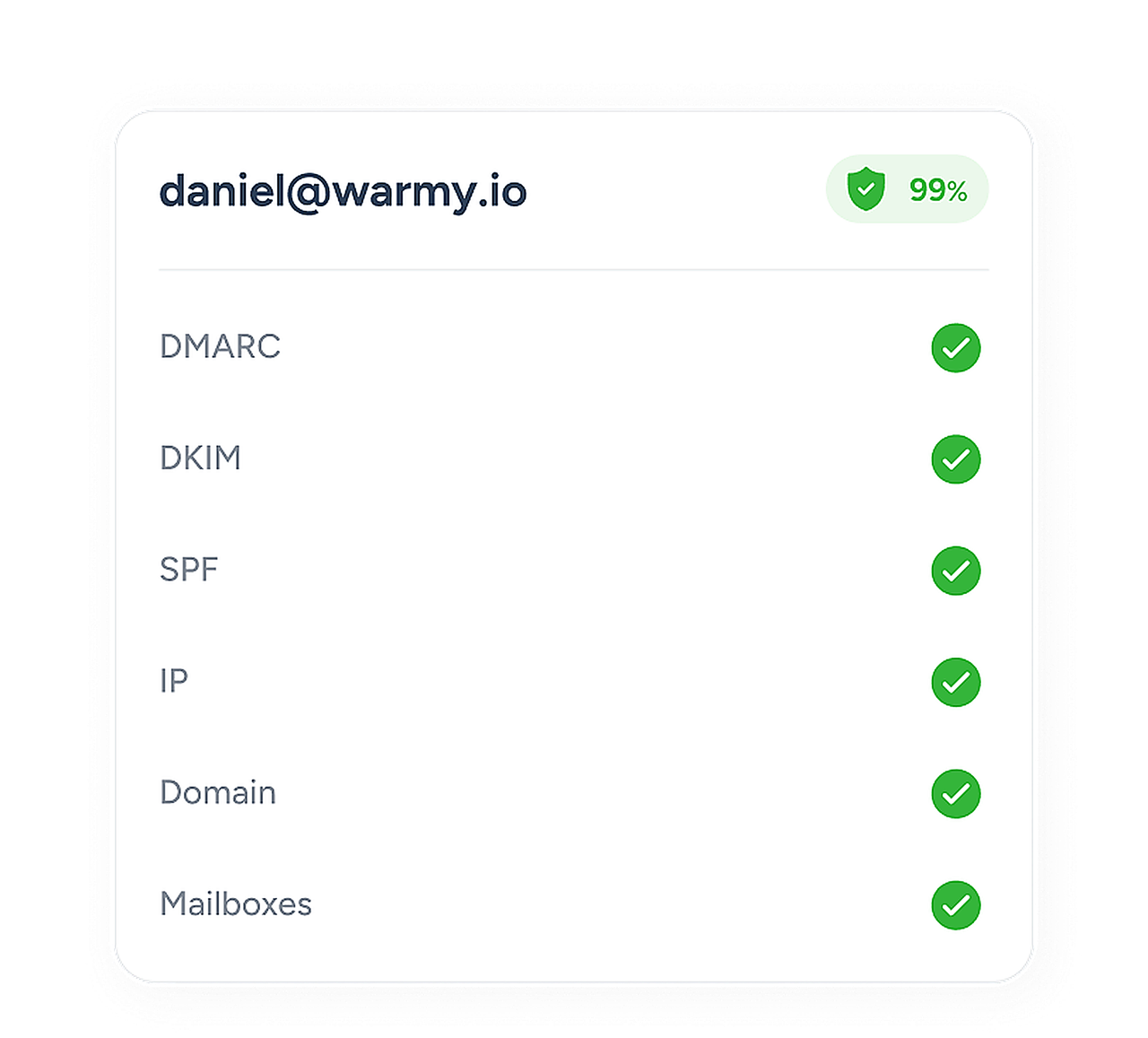
Start with authentication. A broken SPF, DKIM or DMARC record will hold warm-up back, and Deliverability Insights and DMARC Monitoring catch those problems, so check them first. Then clean your list with Email Verification, because bounces hurt. Put your copy through the free Template Checker as well. Right before launch, send the real campaign to a seed list with an inbox placement test. It shows you where Gmail, Outlook and Yahoo put it.
To warm up a mailbox, Warmy needs access to it. What we do with that access (and what we don't):
Secure connection. We connect to Google Workspace and Microsoft 365 through OAuth. Your password stays with Google or Microsoft. SMTP/IMAP passwords are kept encrypted.
Warm-up mail only. We only touch warm-up emails. Your other messages aren't read or sent.
Within provider limits. Daily volume never goes past what each provider allows.
Full control. Pause or disconnect a mailbox whenever you want.
Clean inbox. Warm-up emails get archived within 20 minutes.
Cold email teams, agencies, AI SDR platforms and e-commerce brands warm up with Warmy before major campaigns.
No credit card required
A mailbox that's new, or that has sat unused, starts with little or no sender reputation, and an email warm-up tool is how you build it. It trades emails with other mailboxes, sends a little more each day and gathers the opens and replies providers look for. By hand, that takes weeks. Email warmup software does it in the background while your team works on everything else.
Email (mailbox) warm-up
Domain warm-up
IP warm-up
No Credit Card Required | Cancel Anytime
Keep going